Step 1
Sign up and choose Pool Service
Pick Pool Service & Maintenance when you sign up. You start with pool prices — weekly service, chemicals, green-pool clean-ups, pump and filter work — to edit to your own under Settings → Services.
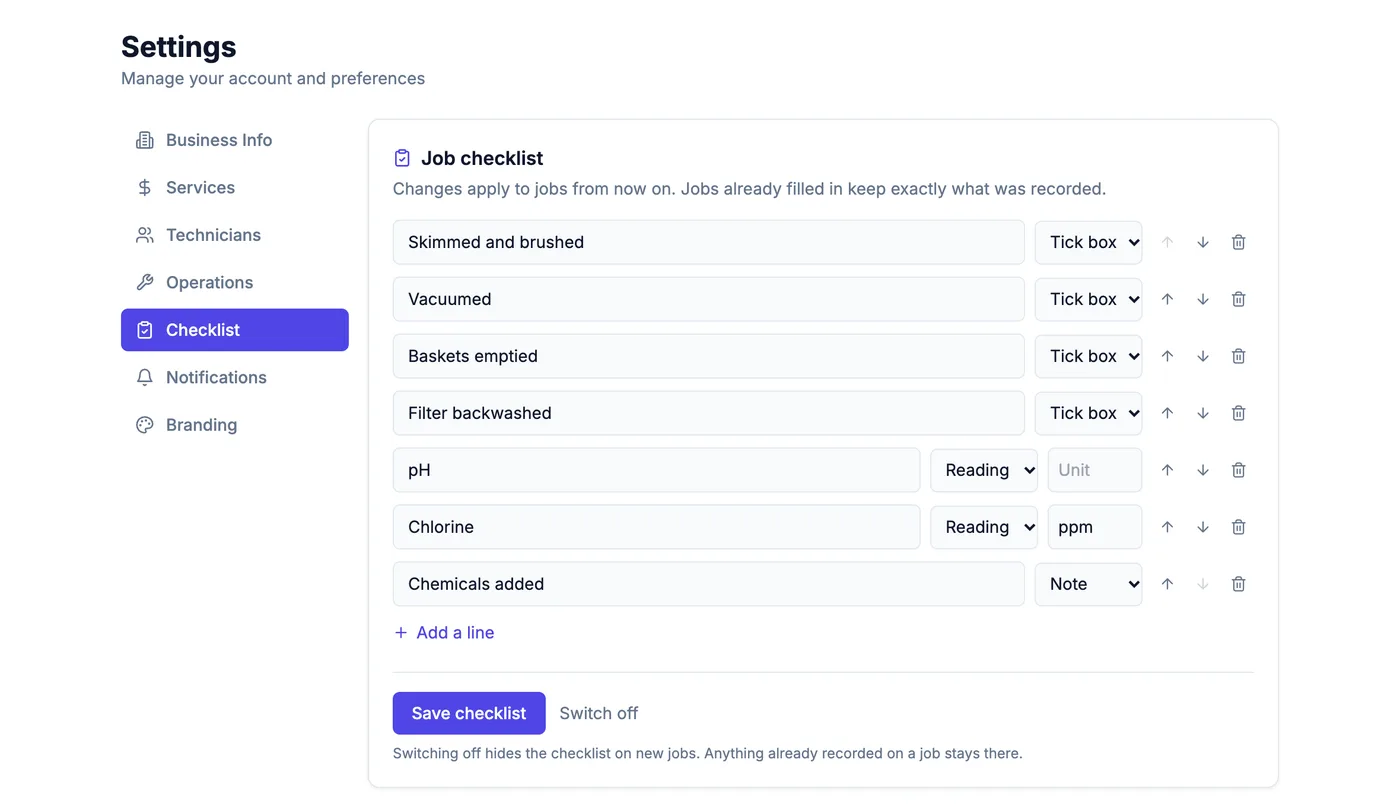
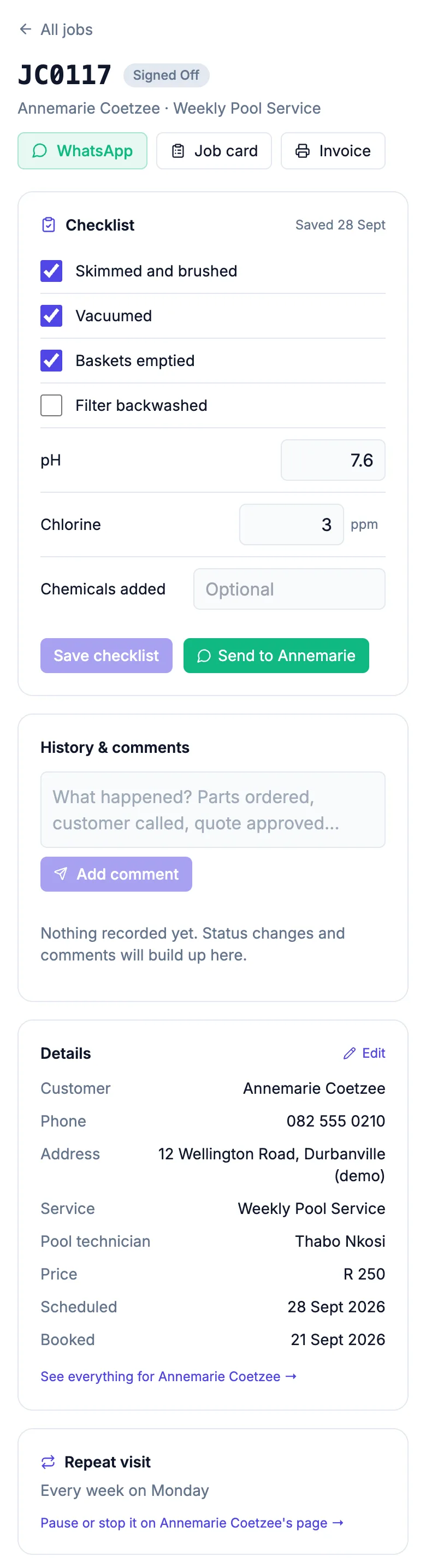
The pool checklist is switched on for you: skimmed and brushed, vacuumed, baskets, backwash, pH, chlorine and chemicals added. Change any line under Settings → Checklist.
Step 2
Add your customers with their addresses
Add each pool owner under Customers, or import them from a spreadsheet. Put in the address: it is shown on every visit and opens in Google Maps.
Step 3
Set up each weekly round once
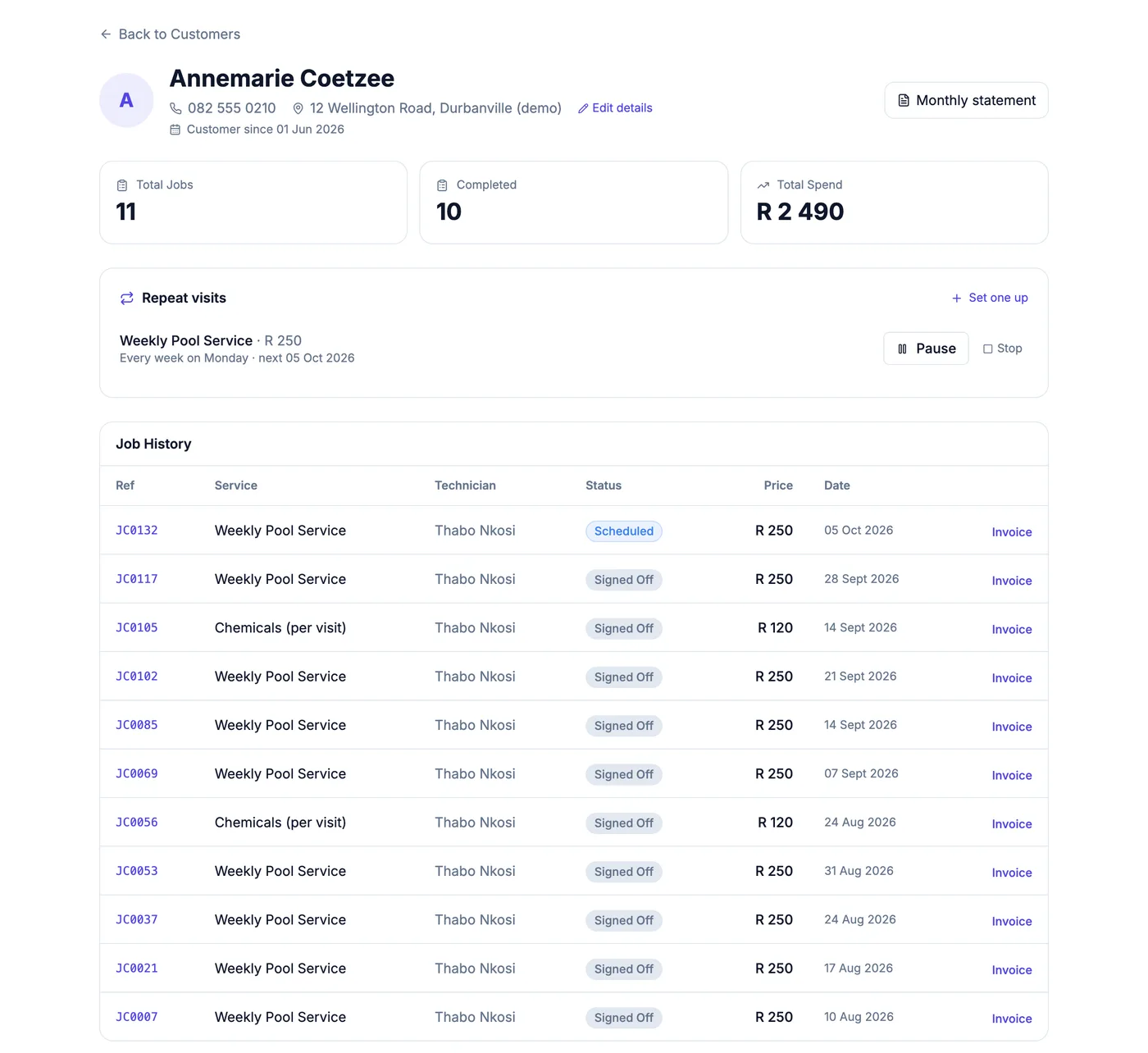
On a customer's page, set up a repeat visit: the service, the price, how often (every week, every two weeks, monthly) and the first date.
From then on each visit appears on your week by itself. Visits become job cards a week ahead; further out they show as planned. Skip one when the owner is away, or pause the whole round while they travel.
Step 4
See the week's round
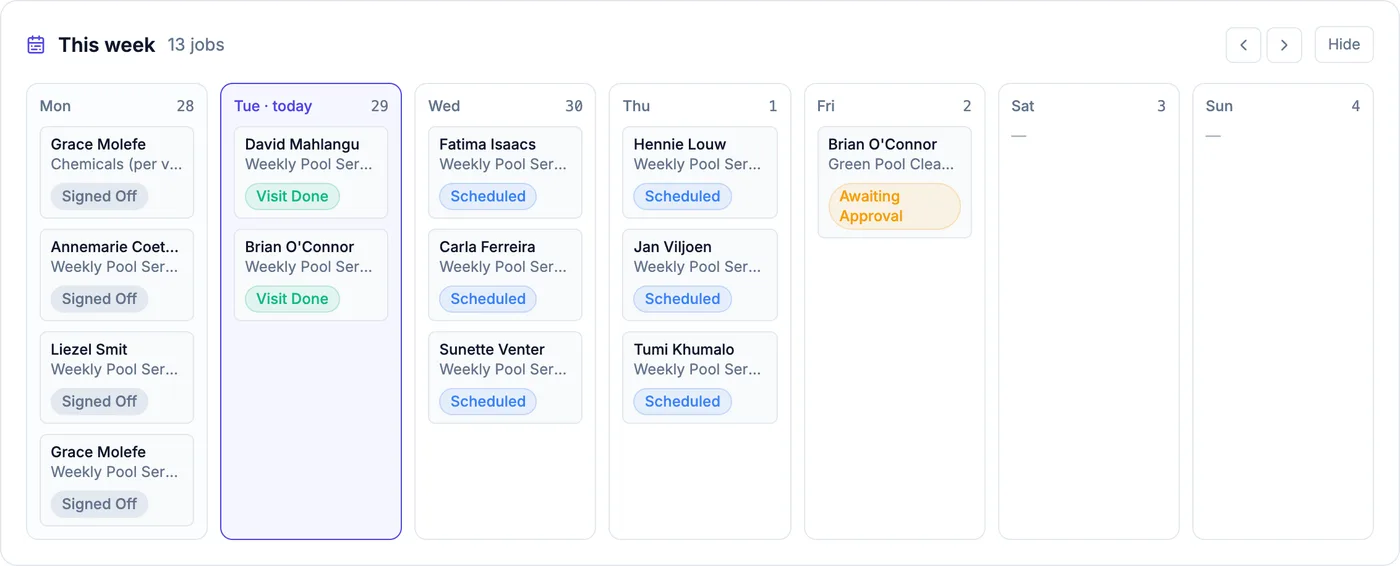
The week view shows every pool due each day. Pools already on the round show as their visits; ones further ahead show as planned.
Step 5
Tick it off at the pool
Open the visit on your phone, tick what you did and type the readings. Save, then send it to the owner in one tap — "pH 7.4, chlorine 2 ppm, filter backwashed" from your own WhatsApp.
Step 6
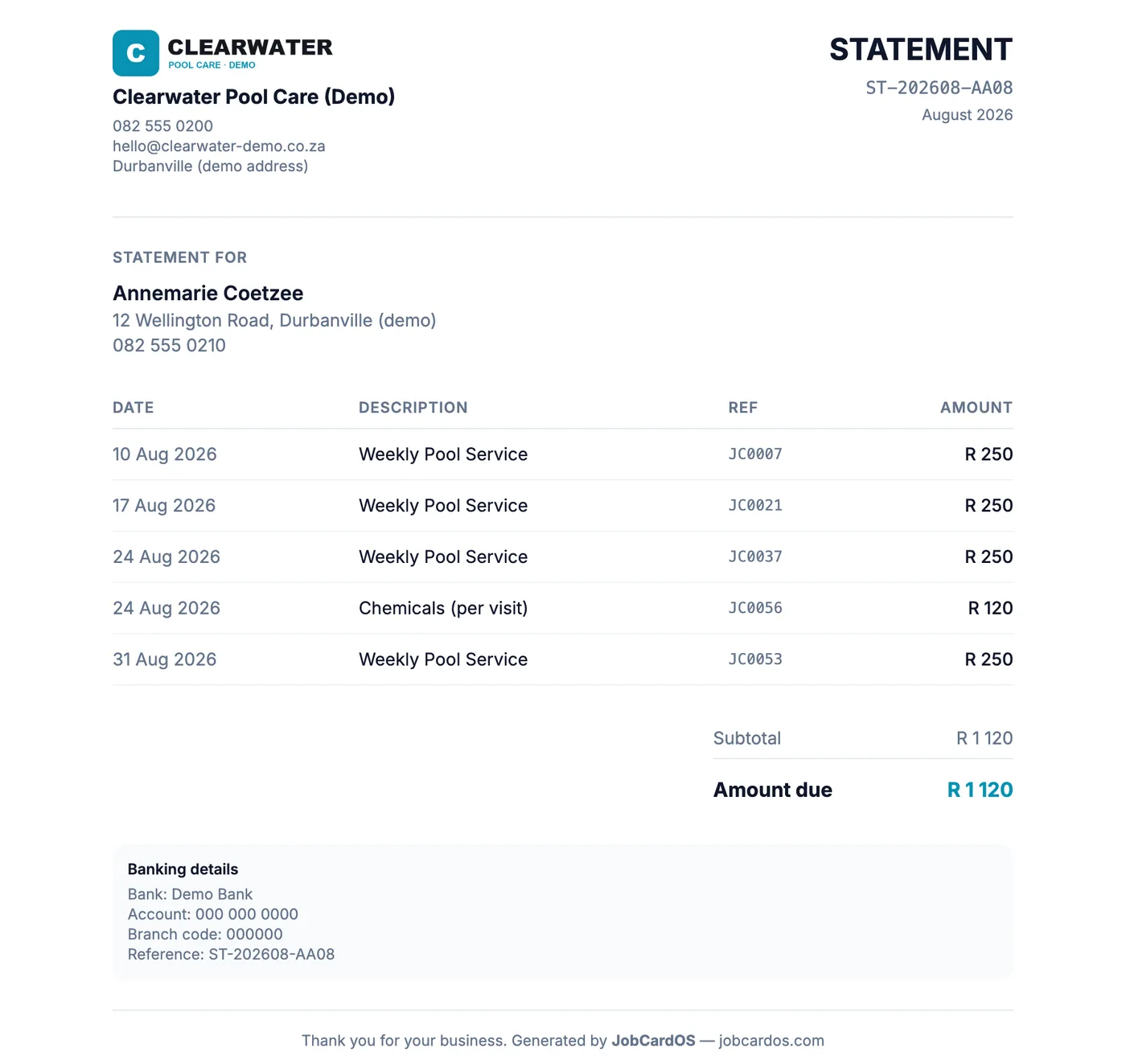
Send one statement at month end
Each customer's Monthly statement lists every finished visit and extra for the month with your banking details, ready to print or save as a PDF. VAT is only added if you tick that you are VAT registered under Settings → Business Info.